personal-gmail-mcp
A read-only Gmail connector for Claude Code. One OAuth scope, a refresh token in the macOS Keychain, and email the agent treats as data.
Set it up (about ten minutes, once)
In a browser signed in to the personal Google account:
- Create a Google Cloud project and enable the Gmail API.
- Set up the consent screen: External, your own address as a test user, and one scope,
gmail.readonly. - Create an OAuth client of type Desktop app, download its JSON, and put it at
~/.config/personal-gmail-mcp/client_secret.json(mode 600). - Sign in:
npm run loginGoogle warns that it hasn’t verified the app; that’s expected for your own. The refresh token goes into the macOS Keychain, not a file.
- Register it with Claude Code for every project:
claude mcp add -s user personal-gmail -- "$(which node)" \
  ~/personal/personal-gmail-mcp/node_modules/tsx/dist/cli.mjs \
  ~/personal/personal-gmail-mcp/src/index.ts
Use it
Ask in plain words: “find last month’s card statement and save the PDF”, “when is the dentist appointment”. Claude Code calls search_threads with Gmail search syntax, reads the thread with get_thread, and saves attachments with save_attachment into ~/Downloads/personal-gmail/<message id>/, never overwriting a file.
Every piece of email content comes back in fields marked data_text, and the agent is told to read those as data, never as instructions. Anyone can send you an email.
Stop it
npm run logoutThat revokes the sign-in at Google and removes the token from the Keychain. Access can also be revoked at myaccount.google.com/connections.
The tests
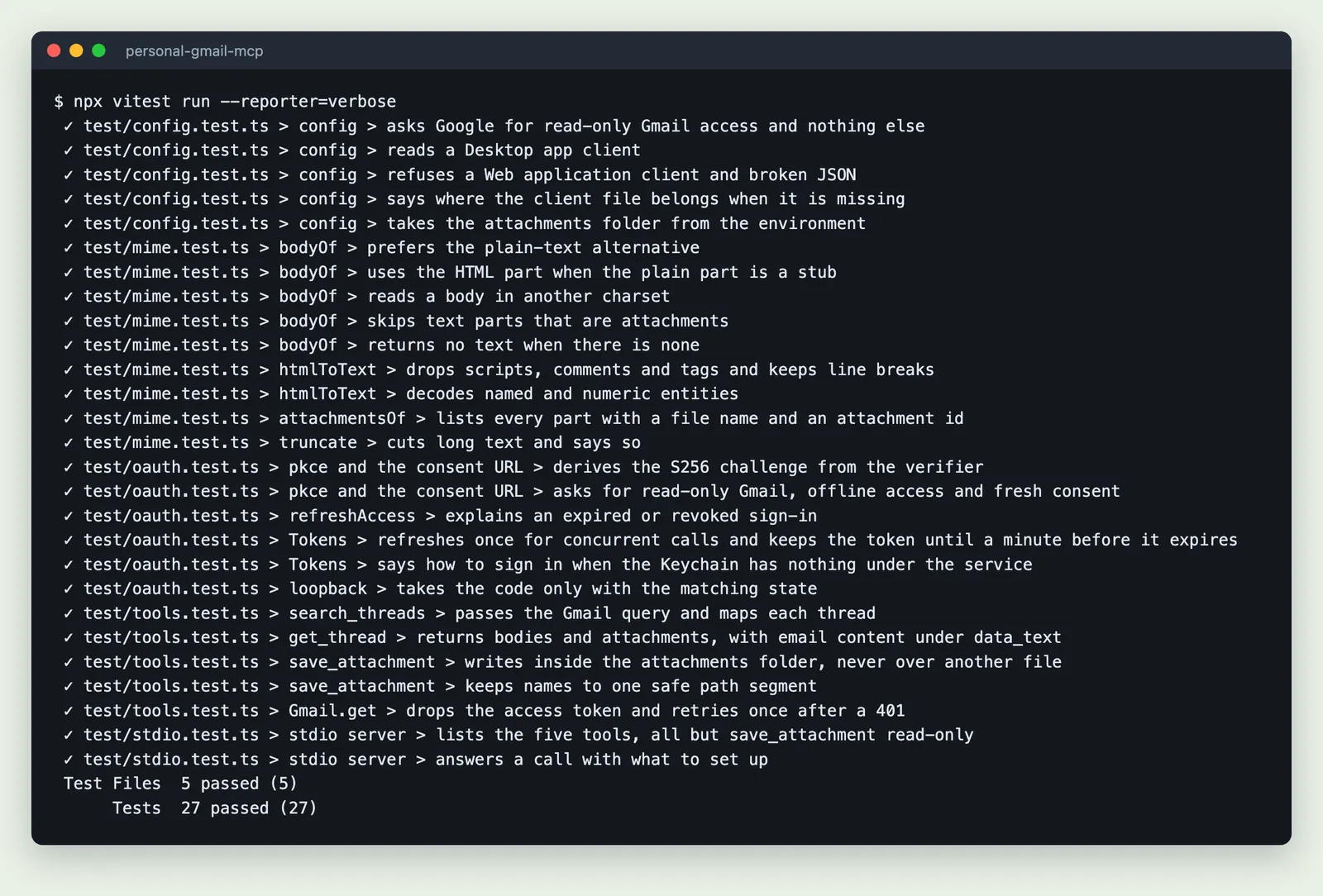
The suite at the top of this page covers the read-only scope, MIME and HTML parsing, the OAuth URL, PKCE and the loopback state check, token refresh, every tool against a fake Gmail API, safe attachment names, and the server over stdio.